WhatsApp bulk messaging: how to do it through the official API without losing your number
WhatsApp bulk messaging means sending the same message to many people at once, and there are three ways to do it: the app's broadcast list, tools that automate WhatsApp Web, and Meta's official API. Only the last one was built for this. Here is how each one works, why “ban-proof” tools get numbers banned, what Meta requires, and what actually keeps a campaign running.
 CCX OperationsDelivery · Channel rules · Oct 23, 2026 · 10 min read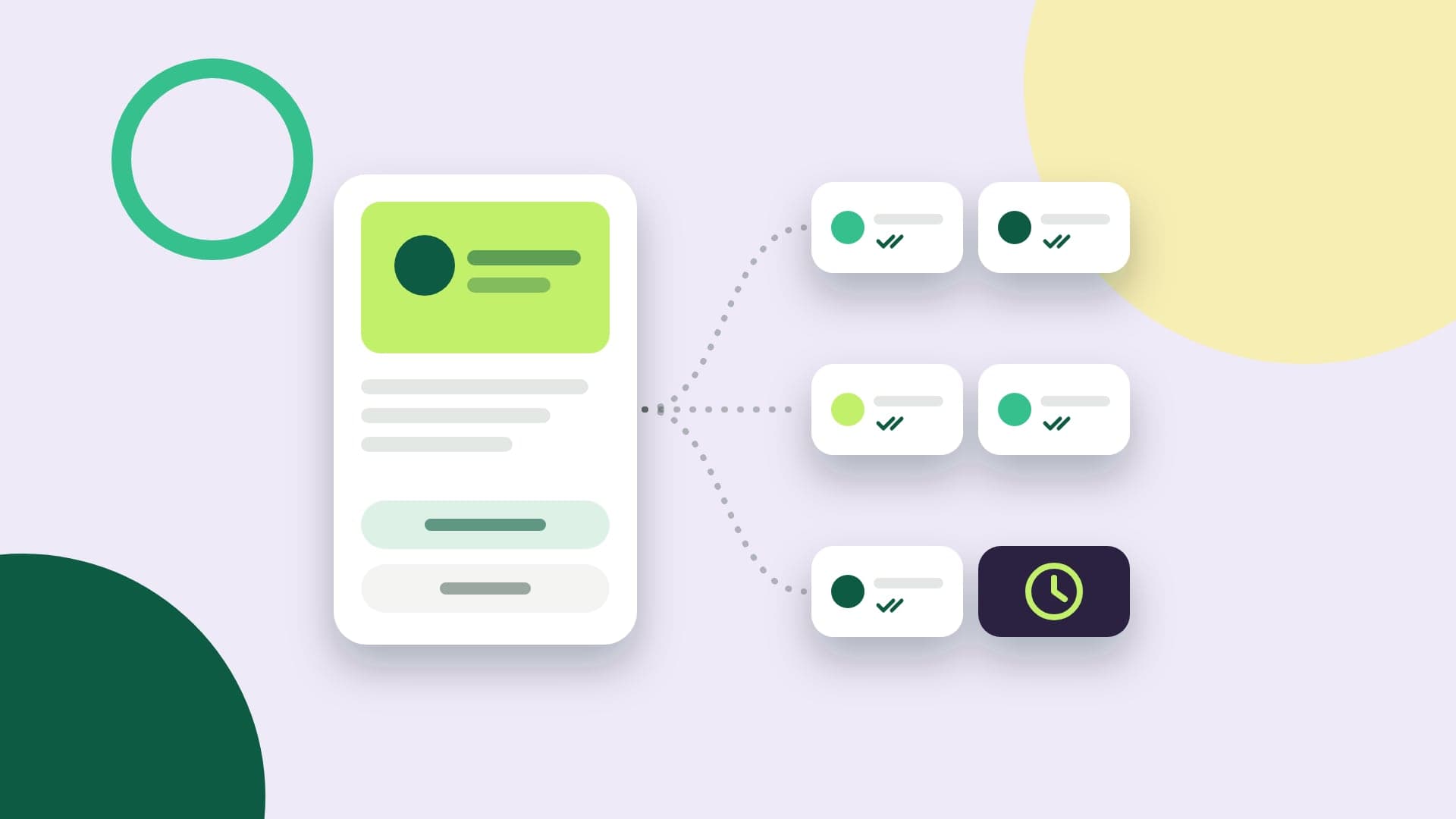
What you'll take away
- Broadcast list, WhatsApp Web extension and official API: what each one does and where each one stops
- What Meta requires before the first send: an approved template, opt-in and messaging limits
- What it costs, how to measure a campaign and why resending right away hurts delivery
What bulk messaging is, and the three ways to do it
Bulk messaging is sending the same message, or variations of it, to a list of contacts at once: this week's promotion, a notice that the store is open, a payment due reminder. In email, this has always been routine. On WhatsApp, where the message lands in the customer's pocket, each method has its own rules, and picking the wrong one is expensive.
The first method is the broadcast list in the WhatsApp Business app, free and built for small contact lists. The second is tools that scan a QR code and start sending messages through WhatsApp Web, almost always sold as a “ban-proof” sender. The third is Meta's official API, the WhatsApp Business Platform, where the campaign goes out as an approved template.
The difference between the three is not price, it is risk. The first two use a regular mobile number for a job the app was not built to do. The third was designed for it, and that is why it has rules: who can receive messages, what can be said, how much you can send per day and how much each delivered message costs.
The WhatsApp Business app broadcast list
A broadcast list is the app's built-in way to send one message to several contacts, with each person receiving it as an individual chat. According to the WhatsApp Help Center, each list holds up to 256 contacts, and only people who saved the business number in their contacts receive it. Anyone who didn't save it simply gets nothing, and the business never finds out.
In some countries, the app also sells business broadcasts, which replaced the app's old marketing messages. They reach people who did not save the number, go through Meta review before sending and are charged per delivered message, based on the recipient's country. The Help Center says the feature is available in a limited set of countries and does not publish the list; as of this post, Meta had not confirmed Brazil.
For a neighborhood store with a few hundred loyal customers, the list works. The limit shows up when the list grows: splitting 2,000 contacts into eight lists, without knowing who saved the number, with no delivery report beyond the check marks and no integration with the sales system, stops being outreach and turns into manual work.
Why “ban-proof” tools get numbers banned
The bulk messaging tools at the top of search results, from Chrome extensions to QR code systems, all work the same way: they control WhatsApp Web on a regular number and type messages as if they were a person. To look human, they space out sends, vary the text and switch numbers when one goes down. That is what “ban-proof” in the ad means.
WhatsApp's Terms of Service prohibit exactly this use. They forbid accessing the service through automated means without authorization and sending bulk or automated messages, and they allow for account suspension. A ban does not depend only on speed: reports and blocks from people who get messages they never asked for weigh more, and no random delay protects a list that never asked to hear from you.
The damage does not stop at the banned number. The number is the channel your customers know, and it disappears along with the chat history. Your customers' messages pass through an extension or a third-party server with no commitment to data protection law (GDPR in Europe, LGPD in Brazil). And there is no way to prove opt-in, measure delivery accurately or connect the campaign to the rest of your operation.
Bulk messaging through the official API: what changes
On the official API, the campaign goes out as a template: a model message, approved by Meta, with variables for name, order or coupon, and with quick reply, link or phone buttons. The template can go to anyone who gave their number and agreed to receive messages from the business, whether or not they saved the number. That is what makes it possible to reach a list of thousands of people.
Each message reports its outcome through the webhook: sent, delivered, read or failed, and for a failure, the code that explains why. There is no phone in the middle, so there is no session that drops and no device that has to stay on. And anyone who replies opens a conversation that the team handles in an inbox, instead of landing on one person's phone.
The price of this is the rules. Meta puts each template in a category, and a promotion is marketing, with its own price and limits. Meta also measures how recipients react and throttles senders who annoy people. You cannot buy a list and blast it the next day, and that is exactly why the message gets delivered.
What Meta requires before the first send
The first requirement is consent. WhatsApp's messaging policy only allows you to contact people who gave the business their number and opted in, confirming they want to receive its messages. How you collect that opt-in is up to the business, as long as it follows the law, and every opt-out request must be honored, whether it is made inside or outside WhatsApp. A purchased list has no one's opt-in.
The template goes through approval and gets a category. Promotions, offers, invitations and re-engagement are marketing; a notice tied to something the customer started, such as an order or an invoice, is utility; a verification code is authentication. Sending a promotion disguised as utility does not work for long: Meta checks the category against the content and reclassifies the template, even after approval.
WhatsApp itself also lets the customer choose. In a setting called Offers and announcements, the person says whether they are interested in your business's marketing and, if not, is then shown the option to stop receiving it. Having an unsubscribe button in the template and honoring opt-out requests right away is what keeps that door open.
The limits that hold a campaign back
The first limit belongs to your business portfolio on Meta: how many unique people it can reach outside the customer service window in a rolling 24 hours. A new portfolio starts at 250; once the business is verified, it rises to 2,000, then to 10,000, 100,000 and unlimited, based on message quality and usage. A campaign to 5,000 contacts on a 2,000 limit takes three days.
The second is per person. Meta's per-user marketing limits cap how many marketing templates someone receives from all businesses combined, based on that person's recent engagement. When the cap is reached, the message comes back with error 131049, and the guidance is to wait at least 24 hours before trying again. Resending sooner does not help and can leave that person unreachable for another day.
The third is quality. Each template has a quality rating, calculated from blocks, reports and reads. A template that hits red is paused for three hours the first time, six hours the second time, and disabled the third time, and Meta may hold back part of a new send to measure the reaction before releasing the rest. A bad list sinks a campaign before any limit does.
There are also destination restrictions. Since April 2025, Meta does not deliver marketing templates to US phone numbers, and the error is also 131049. Utility and authentication messages still go through, which matters if you have US customers: order confirmations and verification codes keep working, promotions do not.
How much WhatsApp bulk messaging costs
On the official API, Meta charges per delivered message, by category and by the recipient's country. Failed messages are not charged. Marketing has no volume discount; utility and authentication do. For businesses billed in Brazil, Meta is moving billing to Brazilian reais (BRL), with a June 2027 deadline for all accounts.
The campaign does not end at the send. Anyone who replies opens a customer service window, and the business's replies inside it are service messages: each number gets 1,000 of them free per month, and the rest are charged. A campaign that works generates conversations, and conversations add to the bill. Plan who will reply, and through which channel.
On top of that comes the provider's model: a monthly fee, per-agent pricing, a per-message price in local currency or a pass-through in US dollars. One question settles the comparison: before you hit send, does the platform show how many people will receive the message and how much the campaign will cost? If the answer only shows up on the invoice, the risk is yours.
How to measure, and what to do with failures
The API accepting a message does not mean it was delivered. The send call returns success right away, and the rejection arrives later through the webhook, as a failure with a code. If you count everything the API accepted as delivered, you report a delivery rate that never happened. The right numbers are delivered, read and replied, campaign by campaign.
Failures call for different responses. 131049 is the per-user limit: wait 24 hours and send less to people who don't read. 131026 means the number cannot receive messages; before concluding the customer doesn't use WhatsApp, check the number: in Brazil, check the ninth mobile digit; elsewhere, check country code and formatting. 130472 is a Meta experiment in which the person only receives marketing when a conversation is open. Resending everything at once fixes none of them.
Segment your list by recency. People who read, clicked or replied in the last few weeks tend to receive messages; people who have ignored everything for months tend to hit the limit and drag quality down. Sending less to people who don't engage usually improves the result of the whole campaign.
And plan for 2027. On October 13, 2026, Meta announced that marketing is leaving the Cloud API: accounts created on or after April 13, 2027 can no longer send marketing through it, and starting October 13, 2027 no account can. Campaigns move to the Marketing Messages API, so ask your provider how it will handle the switch.