WhatsApp chatbot: what it is, how it works on the official API and when to use AI
A WhatsApp chatbot is a program that talks to customers with no person on the other end: it answers questions, shows options, collects details and hands over to a human agent when needed. Today it can be a menu of buttons or an AI agent that understands what the customer wrote. Here is what each one does well, what Meta allows, what goes into the cost and how to build one without annoying the person on the other side.
 CCX EngineeringPlatform · Channel rules · Oct 23, 2026 · 10 min read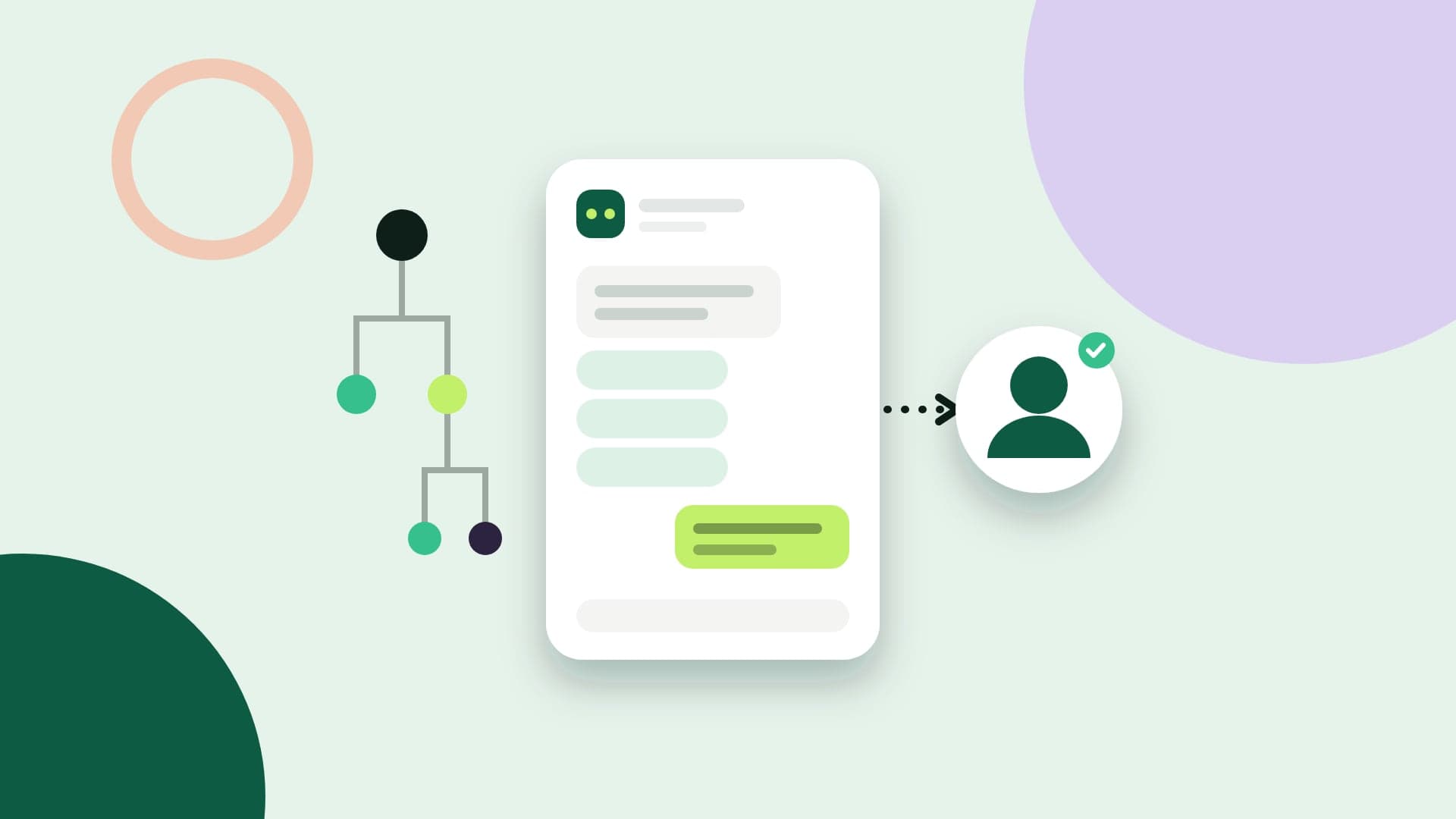
What you'll take away
- Menu bot vs. AI agent: what each one solves, and where each one fails
- WhatsApp's rules for bots: the 24-hour window, a path to a human agent and Meta's AI policy
- What it costs, how to build it and what to measure after you go live
What a WhatsApp chatbot is
A chatbot, or bot, is software that answers messages on its own. On WhatsApp, it receives what the customer writes, decides what to reply and sends the answer from the business's own number, at any hour. Done well, it handles the repeated questions and passes to the team only what needs a person.
It needs the official API, the WhatsApp Business Platform. The WhatsApp Business app has greeting messages, away messages and quick replies, but there is no way to connect a program that reads each message and replies based on what it says. Meta has started offering its own AI agent inside the app, Meta Business Agent, to selected businesses in some countries; beyond that, chatbots live on the API.
There are two ways to get one. The first is to use a platform that delivers a ready-made bot to configure, with a flow builder, a knowledge base and an inbox for the team. The second is to write your own on top of the Cloud API, receiving messages by webhook. The second gives you full freedom and charges you in maintenance: the window, failures, queues and handoff to people become your problem.
Menu bots: buttons, lists and forms
The menu bot is the oldest and the most predictable. It presents options and follows a path written in advance, like a tree: a copy of an invoice, order status, talk to sales. Customers used to type 1, 2 or 3; today the API has interactive messages that show the options as buttons and lists, and the customer just taps.
The limits are tight on purpose. A message with reply buttons has at most three; a list message has up to ten options in total, split into sections. To collect several details at once, like name, tax ID and an appointment time, there are WhatsApp Flows: form screens that open inside the conversation itself. Outside the customer service window, both buttons and forms only go out inside an approved template.
A menu is great for triage and for questions with a closed answer: hours, address, invoice copies, tracking, scheduling. It fails when the question isn't in the tree. A customer who writes “my order came in the wrong color, do I exchange it or return it?” doesn't fit in three buttons, and a bot that replies with the same menu for the third time is the most common reason customers get annoyed with automated service.
AI agent: it understands what was written
An AI agent reads the message the way the customer wrote it, with typos, a transcribed voice note or three questions in one, and replies in plain text. It doesn't depend on a tree: it looks for the answer in what the business gave it, like the knowledge base, the product catalog and the order system, and builds the reply from that.
The gain is the question the menu didn't foresee. The risk is of a different kind: instead of not understanding, the AI can confidently say something that isn't written anywhere, a deadline that doesn't exist or a discount nobody approved. That's why a useful agent is one that knows its own limits, not one that answers everything.
In practice, that turns into a few guardrails. Answer only from what the business provided. Have a confidence threshold below which the conversation goes to a person. Look up data freely, but ask someone on the team for approval before changing an order or a customer record. And keep a list of topics that never stay with the AI, like cancellations, formal complaints and debt negotiation.
What WhatsApp requires of a chatbot
The first rule is the customer service window. When the customer writes, a 24-hour window opens in which the bot can reply with anything, as many times as needed. Outside it, the business can only send templates approved by Meta. A bot that tries to pick up a conversation the next day with free-form text gets an error, and the message doesn't go out.
The second is the path to a person. WhatsApp's messaging policy allows automation inside the window, as long as the business offers a fast, clear and direct path to human support: a handoff to a human agent in the conversation, phone, email, web support, a physical store or a form. A bot with no way out isn't just a bad experience; it's against the platform's rules.
The third is about AI itself. Since January 15, 2026, the platform terms have banned general-purpose AI assistants, like generic large language model chatbots, when AI is the main function of the service. In Brazil, general-purpose assistants have been accepted since March 2026, paying per message. A business's own customer service agent, which answers about its products and orders, was left out of the ban, according to Meta.
A recommendation of ours, which in some industries is also a legal requirement: say in the very first message that an automated assistant is replying and how to reach a person. Customers who know who they're talking to are more forgiving of an incomplete answer and ask for human help sooner, which is good for both sides.
Handing over to a person
The most important part of a chatbot is the moment it stops. The handoff to a human agent should happen when the customer asks, when confidence in the answer is low, when the topic is on the list of things that don't stay with the bot and when the same question comes back a second time. Waiting for the fourth failed attempt is too late.
The whole conversation has to go along. The agent who takes over must see what the customer asked, what the bot answered and what has already been collected, like order number and name. Asking again for what the customer just told the bot turns automation into one more hurdle. And once someone on the team replies, the bot has to stay silent in that conversation, without talking over the person.
Outside business hours, the handoff becomes a promise. The bot should say when someone will reply and leave the conversation in the next shift's queue, with the history ready. That's where an AI agent usually pays off most: the overnight hours that used to pile up unanswered questions now get service, and the team starts the day with only what needs a human.
How much a WhatsApp chatbot costs
On Meta's side, billing is per message. The bot's replies inside the customer service window are service messages: each number gets 1,000 of them free per month, and the ones after that have been charged since October 2026. A bot that uses five short messages for what would fit in one spends five. Messages outside the window go out as templates, charged by category.
AI has its own cost, and each vendor charges differently: per interaction, per resolved conversation, by volume of text processed or bundled into the monthly fee. Meta, which offers its own AI agent, Meta Business Agent, charges by volume of text processed. It's worth understanding what counts as a billable event, because a bot that talks a lot can cost more than the service it replaces.
Finally, the platform's pricing model. Tools that charge per agent or per active contact get more expensive when the bot works and brings in more conversations; those that charge per message track usage. The fair comparison is per conversation handled, adding up messages, AI and the monthly fee, not the subscription price.
How to build one without annoying customers
Start with your history, not your imagination. The ten questions that come up most in the last few months of conversations account for a good share of the volume, and those are the ones the bot needs to handle well on day one. The rest can go to a person while you learn what else is worth automating.
The first message says what the bot does and how to reach someone. Menus with at most three paths at a time. Never ask for data the system already has, like the phone number of the person writing. And test with real conversations before turning it on for everyone: the test environment should run the real configuration, with the real knowledge base and catalog.
If the business also serves customers on Instagram, the same bot should reply on both channels, with the same knowledge base, and hand over to the same queue. One bot per channel, each with different answers, teaches customers that the business doesn't know what it's saying.
What to measure after you go live
The most cited metric is conversations resolved without an agent, and on its own it's misleading: a bot that hides the way out to a person resolves everything on paper. Measure alongside it the time to first response, the handoff rate and its reasons, and the satisfaction of people the bot served.
Read conversations every week. The answers an agent had to correct, the questions the bot passed on and the customers who repeated the same question show where the knowledge base is incomplete. A chatbot gets better through the knowledge base that feeds it, not the model it runs on.