WhatsApp Flows: what they are, how to build them and when to use in-chat forms
WhatsApp Flows are multi-screen forms that open inside a WhatsApp conversation, with fields, lists, dates and buttons, without the person leaving the app. They handle sign-ups, appointment booking, surveys and quotes, and the answer comes back to the business as a message. Here is how they work on the API, how to build and send a Flow, what to do with the response and where Meta sets limits.
 CCX ProductProduct · Channel rules · Oct 28, 2026 · 10 min read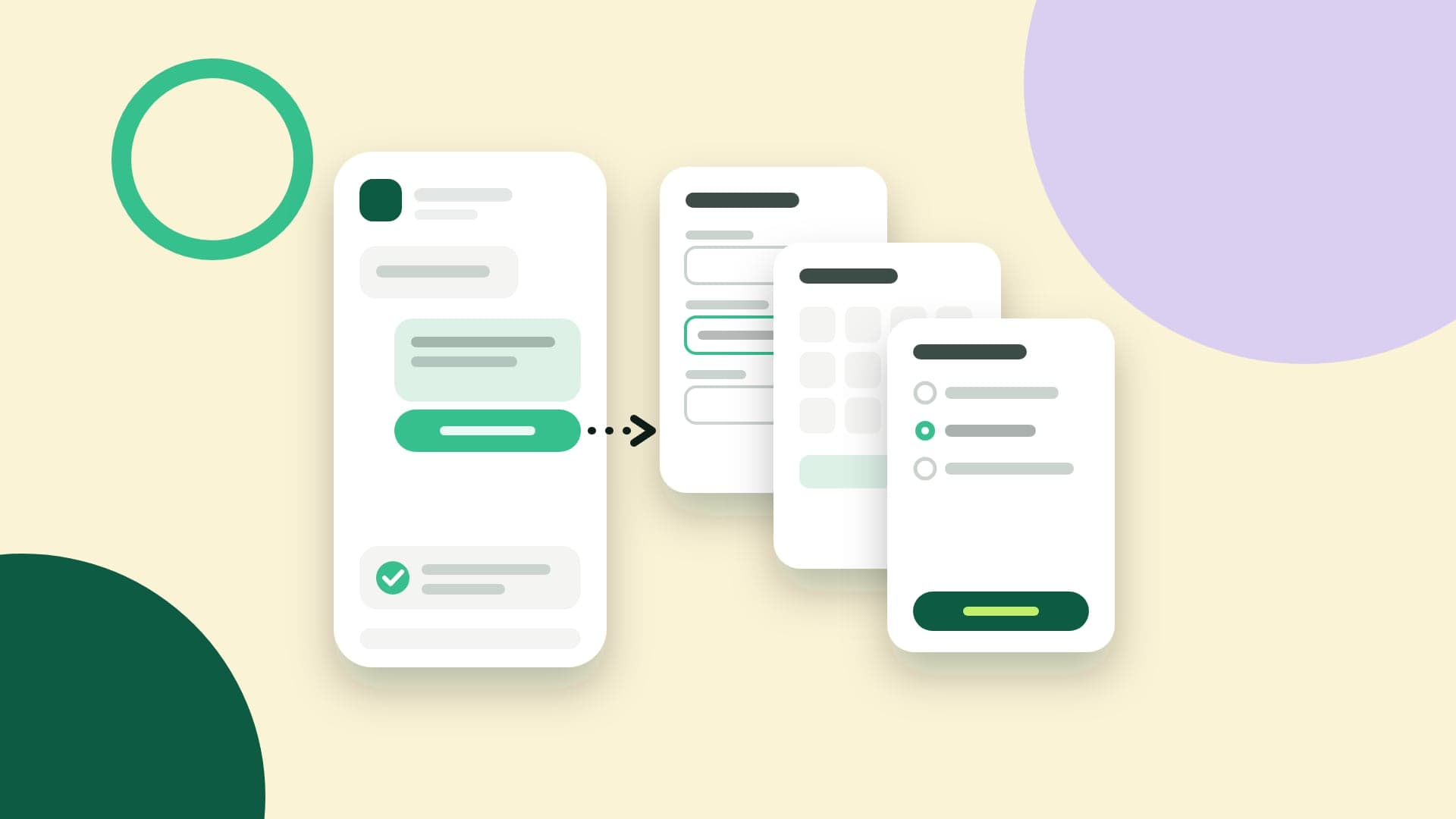
What you'll take away
- What a Flow is, what it’s for and the difference between a static Flow and a Flow with an endpoint
- How to build one in Flow Builder or through the API, publish it, send it inside and outside the 24-hour window and receive the response
- What the WhatsApp policy won’t let you ask for, consent under Brazil’s LGPD and what to measure after publishing
What WhatsApp Flows are
WhatsApp Flows is Meta’s feature for building forms inside WhatsApp. The business sends a message with a button, and when the person taps it, a sequence of screens opens over the conversation, with text fields, option lists, a date picker, consent checkboxes and a button to move on. When they finish, the form closes and the conversation gets a message with the response.
Unlike a form link, a Flow doesn’t take the person out of the app or open a browser, and the business already has their phone number. Unlike collecting data by message, the screens show what’s missing and validate before sending, instead of ten questions going back and forth. Anyone who has built a WhatsApp chatbot knows how a long data collection gets lost mid-conversation.
Flows are a feature of the WhatsApp API. Meta’s documentation lists the Cloud API as a prerequisite and, to send Flows to customers, a verified business and high message quality. On the device side, it names Android 6.0 or newer and iPhone with iOS 12 or newer. If your number isn’t connected to the API yet, start with the WhatsApp Cloud API guide.
What they’re for
The most common use is lead sign-up and qualification. Someone who arrives from an ad or the website button gets a Flow asking for their name, email, what they’re looking for and company size, across two or three screens. The response arrives split into fields, ready to become a contact and a deal, instead of free text that someone has to read and copy into the system.
The second is appointment booking over WhatsApp: choose the service, the location, the day and the time, then confirm. Then come satisfaction surveys about a purchase or a support interaction, quotes with what the person needs, the quantity and the deadline, data updates such as a delivery address, and newsletter sign-ups, with the consent checkbox and the link to the terms on the same screen.
A Flow doesn’t replace WhatsApp Business automatic messages; it complements them. The greeting, the after-hours notice and the order confirmation are still short messages. The Flow comes in when an automation needs several pieces of data at once and the order matters. For one question, a button does the job; for six fields with validation, a form inside WhatsApp saves the whole back-and-forth.
How it works under the hood
Every Flow is described in a file called Flow JSON. It lists the screens, the components on each one and the actions between them: navigate moves to the next screen, data_exchange queries the business’s server and complete closes the Flow and sends the response. There are components for text, input fields, dates, calendars, lists, options, consent, photo or document upload and the footer with the button. Meta caps each screen at 50 components.
There are two kinds of Flow. A static Flow has everything in the Flow JSON, and the business can inject data at send time, such as the customer’s name. A Flow with an endpoint calls the business’s server while the person fills it in, through the data_exchange action, to fetch what changes by the minute: open slots, stock, prices. Meta recommends a Flow without an endpoint whenever there’s no live data, because it opens faster and is simpler to build.
The endpoint has its own requirements. The business generates a 2048-bit RSA key pair and uploads the public key, which Meta signs, for each phone number. Every request arrives encrypted, and the response goes back encrypted with the request’s own key. The server must use HTTPS, answer Meta’s periodic health check and reply in under 10 seconds, when the request times out; Meta asks you to aim for under 1 second.
There are also versions to keep track of. Meta currently recommends Flow JSON 7.3 and version 4.0 of the Data API, the one that talks to the endpoint. Old versions are first frozen, and no new Flow can be published on them; later they expire, and the Flow can no longer be sent or opened. Notice comes through the changelog and by webhook, and a Flow left on an old version stops working without anyone touching it.
How to build one: Flow Builder or the API
The first path is Flow Builder, in the Flows area of WhatsApp Manager: a Flow JSON editor with a phone preview next to it, which runs the Flow in interactive mode and logs every action. You can send the draft to a test phone, which must have messaged the business number first so the window is open; the draft arrives with a warning banner.
The second is the Flows API: create the Flow, which starts as a draft, upload the Flow JSON, read the validation errors and publish. When creating it, the business picks categories such as sign-up, appointment booking, lead generation and survey. Publishing is blocked while there are validation errors or pending checks: valid Flow JSON, supported versions, the account subscribed to Flows webhooks and, when there’s an endpoint, the public key, the endpoint address, a linked Meta app and a passing health check.
Since Meta started allowing it, a published Flow can be edited: the change puts it back into draft, and messages already sent keep the old version. Meta keeps the last five versions. For a major change, the recommendation is to clone the Flow. Once published, it can’t be deleted, only deprecated. And with an endpoint, the new Flow JSON has to keep matching what the server expects, or the whole Flow breaks.
How to send one: inside and outside the 24-hour window
Inside the 24-hour window, which opens when the customer writes, the Flow goes out as an interactive message of type flow: a text, a button with the call to action, like “Book a time”, and the Flow’s data. Meta recommends up to 30 characters on the button, with no emoji. Since it’s a non-template message, it counts as a service message: as of October 2026, each number gets 1,000 free per month, and the rest are charged.
Outside the window, the business can only write with an approved template, and the Flow goes as a FLOW-type button of up to 25 characters. This is where the category matters. Under Meta’s category rules, a survey about a specific purchase fits utility; an invitation to sign up and receive offers tends to be marketing, with a different price and the per-user marketing limit. Meta decides the template category based on the content, not on the name the business gives the Flow.
In both cases, the business can send a flow_token, an identifier it generates itself. It’s the link between the send and the response: the response doesn’t include the Flow ID, and Meta suggests using the token to know where it came from. The documentation asks for an unpredictable token, like a session identifier, and suggests a validity of two to three days, to give the person time to open the message.
The response: what arrives and where it goes
When the person finishes, a response message appears in the conversation, and the business receives it through the same webhook as every other message: the type is interactive, with nfm_reply inside, and the response_json field carries the submitted data and the flow_token. Since Flow JSON version 5.1, the person can tap that message and review what they sent. Fields marked as sensitive are left out of that summary.
From there on, it’s integration. The system reads the response_json, finds the contact by the number that replied, writes each field to the right place in the record and triggers the next step: create the deal in the pipeline, reserve the slot in the calendar, open a task for the salesperson. In WhatsApp automations, a completed Flow works well as the trigger that moves a contact to the next stage.
Two precautions save headaches. Meta recommends replying to every completed Flow with a message saying what happens next and who to contact to change or cancel. And responses can arrive late: a deprecated Flow may still be on people’s phones and still produce responses. The system needs to handle an unknown or expired token without breaking and without creating a duplicate record.
Rules and precautions
The WhatsApp Business Messaging Policy, updated on September 23, 2026, prohibits asking for or sharing full payment card numbers, financial account numbers, personal ID card numbers and other sensitive identifiers. The same policy rules out requesting health information where regulation bars it from systems without heightened protection. A well-designed form doesn’t change the rule: the card number stays out of the Flow, and the Flow asks only for what the policy allows.
In Brazil, the data protection law (LGPD) asks for two things. The first is necessity: collect only the minimum for the stated purpose, which in a Flow means cutting the field nobody uses. The second applies when the legal basis is consent: it must be given in writing or by another means that shows the person’s will, for specific purposes, and the business must be able to prove it. The consent component, with a link to the terms, and a record of the date help with that proof.
Finally, length. Meta recommends tasks that take no more than five minutes, one task per screen, no more than ten options per screen, titles that show progress, like “Question 1 of 3”, and a summary screen at the end. A long Flow loses people halfway. And test on a phone before publishing: the documentation itself warns that the web preview renders screens slightly differently from the device.
What to measure
The basic math has three numbers: Flows sent, opened and completed. Sent, delivered and read come from the message status webhooks; completed are the nfm_reply responses that arrived. The completion rate over sends tells you whether the invitation works and whether the form is short enough. For published Flows, Flow Builder also shows usage statistics, such as the count of interactions.
Opens and drop-offs depend on the kind of Flow. In a Flow with an endpoint that queries the server on open, the open shows up as the initial request, and each screen exchange with the server marks how far the person got: the screen with the most exits is the one to cut. In a Flow without an endpoint, the business only learns about the people who finished; the path up to that point stays on the device.
Keep an eye on endpoint health too. Meta sends webhook alerts when the error rate crosses 5%, 10% or 50%, or when p90 latency crosses 1, 5 or 7 seconds. If health gets worse, the Flow is limited to 10 sends per hour; if it gets worse still, it’s blocked, and no one can send or open it. If you rely on a Flow in a campaign, that alert matters as much as the completion rate.
Before you publish a Flow
flow_token ties each response to the send and the contact.